Flawless Apple Silicon Optimization
Leveraging Safari's WebKit graphics engine, M5999Bet runs with buttery-smooth 60fps animations across all recent iPhone and iPad generations.
The official iOS deployment tutorial for Apple users. Configure a full-screen Safari web shortcut on your iPhone or iPad for seamless 1-tap gaming.
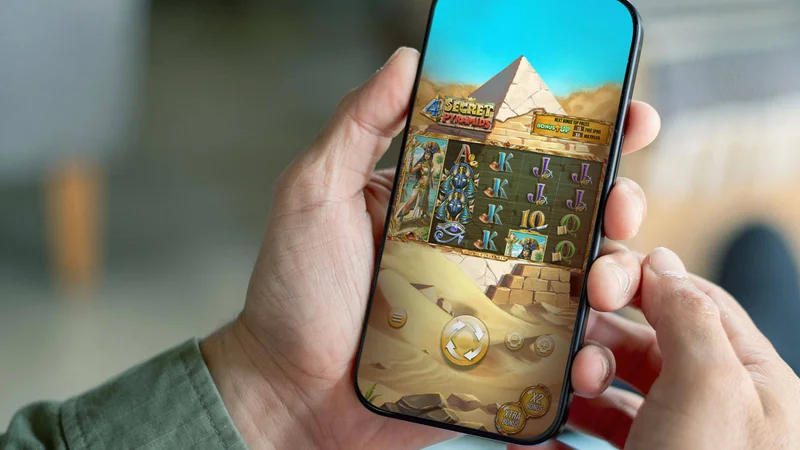
| Step | iPhone / iPad Action | Visual Screen Indicator | Result |
|---|---|---|---|
| 1 | Open Safari Browser | Navigate to https://m5999bet.net | Loads mobile homepage |
| 2 | Tap Share Button | Square icon with arrow pointing up | Opens iOS system share sheet |
| 3 | Select 'Add to Home Screen' | Icon with plus (+) symbol | Prompts app icon placement |
| 4 | Tap 'Add' in Top Right | Icon appears on iPhone Home Screen | Launches in borderless full screen |
Leveraging Safari's WebKit graphics engine, M5999Bet runs with buttery-smooth 60fps animations across all recent iPhone and iPad generations.
Apple restricts real-money gaming apps in certain regional storefronts. However, our Progressive Web App (PWA) delivers the identical native look, feel, and performance.
Open Safari, visit `m5999bet.net`, tap the central 'Share' icon (square with arrow up), scroll down and tap 'Add to Home Screen', confirm name as 'M5999Bet', and tap 'Add'.
Yes, you can save your credentials to Apple Keychain to enable effortless Face ID login upon launching the home screen icon.
M5999Bet strictly enforces an 18+ adult age requirement. Online real-money gaming involves genuine financial risk. Never gamble with funds required for essential living needs. If you or someone you know requires guidance, connect with international helplines: GamCare and Gambling Therapy.